GraphQL API Reference
Welcome to the Massdriver GraphQL API documentation. The API offers a consistent, paginated interface for managing every entity in the platform — projects, environments, instances, resources, OCI repos, policies, and grants.
Getting Started
To use the Massdriver GraphQL API, you'll need to:
- Authenticate with an access token (see below)
- Send requests to the GraphQL endpoint
- Use the queries and mutations documented below
API Endpoint
The GraphQL API is available at: https://api.massdriver.cloud/api/v2
Authentication
All API requests require an Authorization header. The recommended scheme is Bearer authentication with an access token issued to a service account or user.
Authorization: Bearer md_xxxxxxxxxxxxxxxxxxxxxxxx
Access tokens are minted in the Massdriver console. Learn more about service accounts.
See the authentication guide for additional schemes (Basic auth for Terraform/OpenTofu state, OAuth session tokens) and client examples.
API Workbench
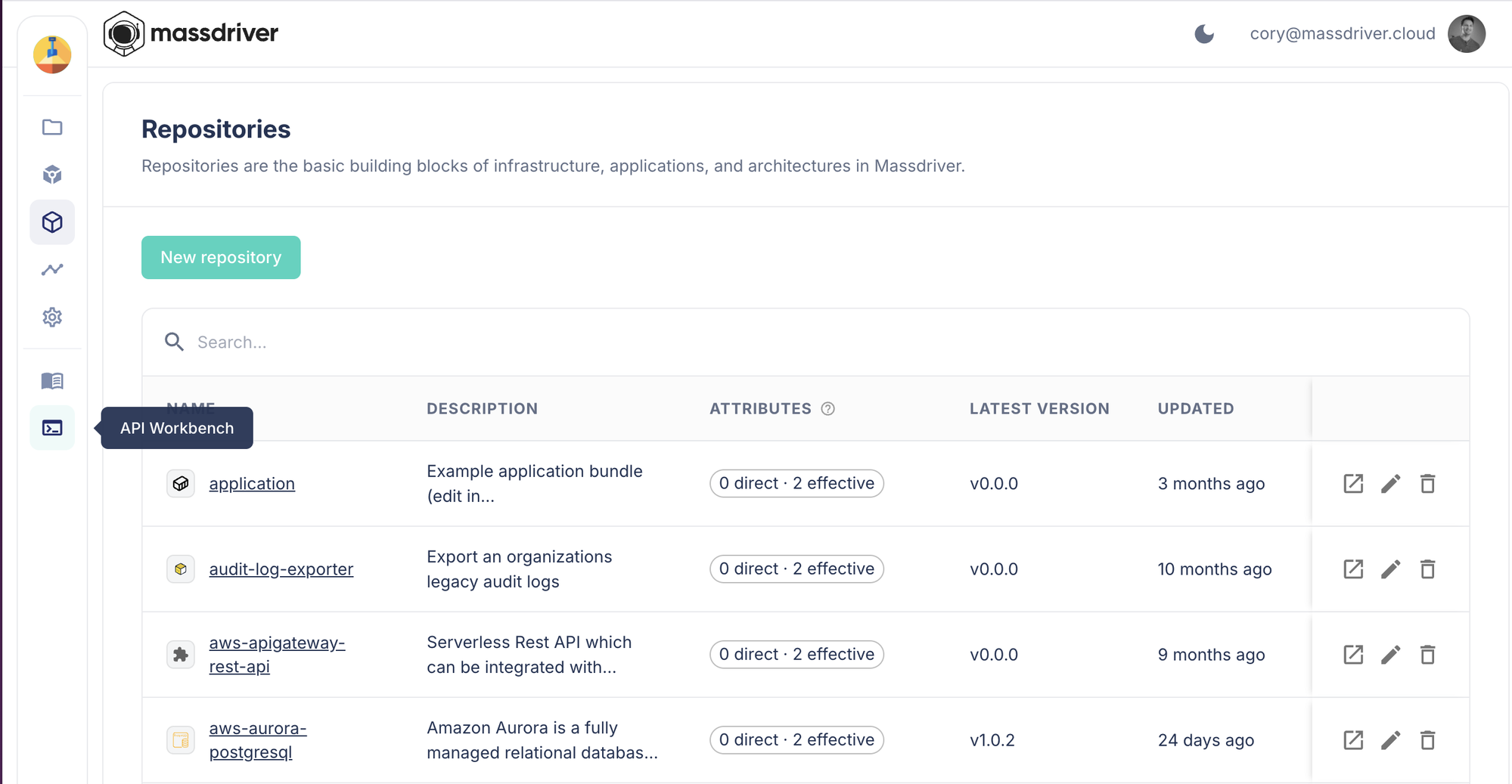
Explore and run queries interactively against your organization from the API Workbench in the Massdriver console — it's the bottom icon in the left sidebar. The workbench uses your active console session, so no token is required.
Authorization
Every query and mutation runs through Massdriver's attribute-based access control (ABAC). Each operation requires a specific permission such as project:view, instance:deploy, or resource:export. See the GraphQL permissions reference for the full mapping of operations to required permissions.